

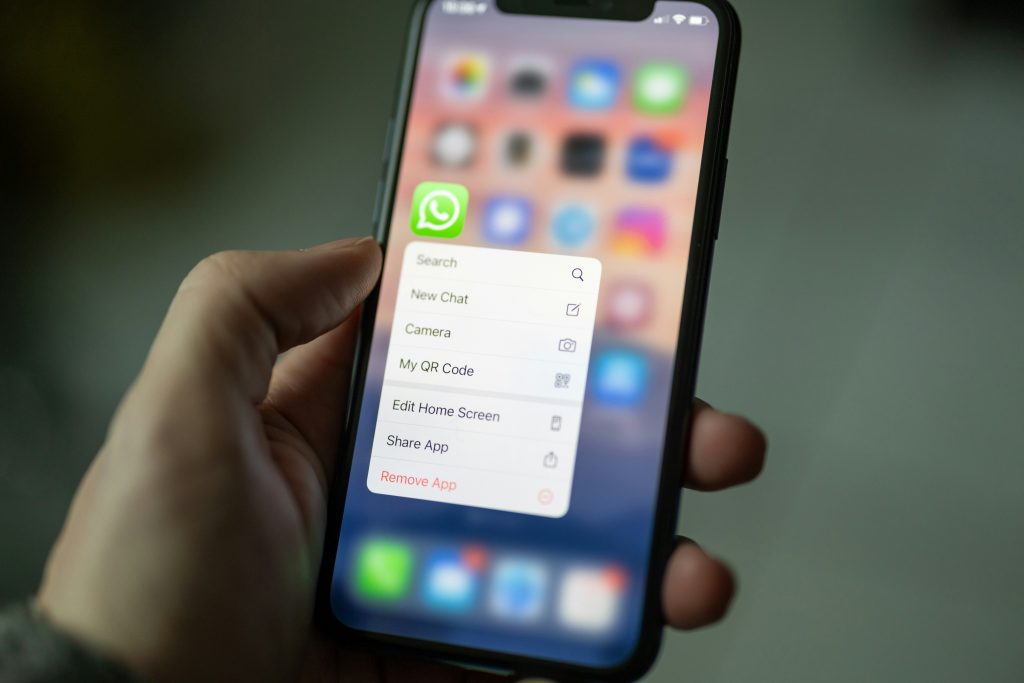
Let’s be honest, most of us use WhatsApp every single day without thinking twice about what’s happening behind the scenes. Messages fly back and forth, photos get shared, and voice notes pile up… but how often do we actually check if our privacy is locked down?
The good news? You don’t need to be a cybersecurity expert to protect yourself. WhatsApp already has some powerful built-in features you just need to switch them on.
Inspired by insights from this Wired article on WhatsApp security features, here’s a human-friendly breakdown of what really matters (and how to use it).
1. Lock Your Chats (Because Not Everything Is for Everyone)
We’ve all been there, you hand your phone to someone and suddenly remember a conversation you’d rather keep private.
WhatsApp’s Chat Lock feature solves exactly that.
Once enabled, selected chats are hidden behind your phone’s biometric lock (fingerprint or Face ID). They don’t show up in your main inbox, and notifications stay discreet.
Why it matters:
Even if someone has your phone, they won’t automatically have access to your personal conversations.
2. Use Disappearing Messages for Sensitive Chats
Not every conversation needs to live forever.
With disappearing messages, chats automatically delete after a set time (like 24 hours, 7 days, or 90 days).
Why it matters:
It reduces the digital footprint of sensitive conversations less stored data means less risk if your account is compromised. but they can also be a hidden risk if left unchecked.
You can:
- View all devices linked to your account
- Log out remotely from unknown sessions
Why it matters:
If someone accesses your WhatsApp via a browser or another device, this is where you’ll catch it.
Final Thoughts: Security Doesn’t Have to Be Complicated
The biggest takeaway?
You don’t need fancy tools or paid apps to stay safe just a few minutes in your settings can make a massive difference.
Think of it like locking your front door. These features are already there you just need to use them.